FEBRUARY 25, 2025
Author @Samuel
Life Planner iOS 2.1.4 Release
Life Planner iOS 2.1.4: A New Era of Performance Improvements
Life Planner iOS 2.1.4 ushers in a new era of performance enhancements for iOS. While this update includes numerous changes and improvements, its core focus is performance optimization. With the migration of our entire Apple platform codebase to Swift 6, this version marks our adoption of Swift's async-await and structured concurrency, ensuring a smoother and more efficient experience.
TL;DR – Overview of Changes
Life Planner 2.1.4 is Finally Here!
Here are some of the most notable updates:
- Improved access to habit streaks.
- Performance enhancements for legacy users.
- Numerous bug fixes.
- A redesigned and improved mood calendar.
- Support for the habit "undo" action directly from the main app dashboard.
- The ability to sort your to-do list using custom filters.
- Custom mood tracking reminders—set your own check-in times.
- Expanded budgeting and spending tools to help you plan better for payday.
- Enhanced lending and borrowing repayment receipts for better accountability and record-keeping.
And that's not all—we’ve introduced many more enhancements in this version!
1. Preparing for Life Planner Data Sync 2.0

We prioritized this migration over introducing new features because we wanted to improve support for our existing legacy users. Life Planner operates on an offline-first data synchronization framework, meaning the user’s device must be capable of caching a large volume of data while also performing complex handshakes with the server to ensure synchronization.
Sometimes, the server has more recent updates than the client, while in other cases, the user's device holds newer data. For seamless synchronization, client devices must validate data versioning and facilitate back-and-forth transmission to keep both the local device and the server in sync.
Our previous synchronization process was not as efficient as we envisioned. To implement improvements, we recognized that the performance of client apps (iOS, Android, and Desktop) needed substantial enhancement. This is why we prioritized migrating to Swift 6 and adopting structured concurrency for a safer and more efficient system.
2. Out with the Habit Schedule, In with the Habit Streak
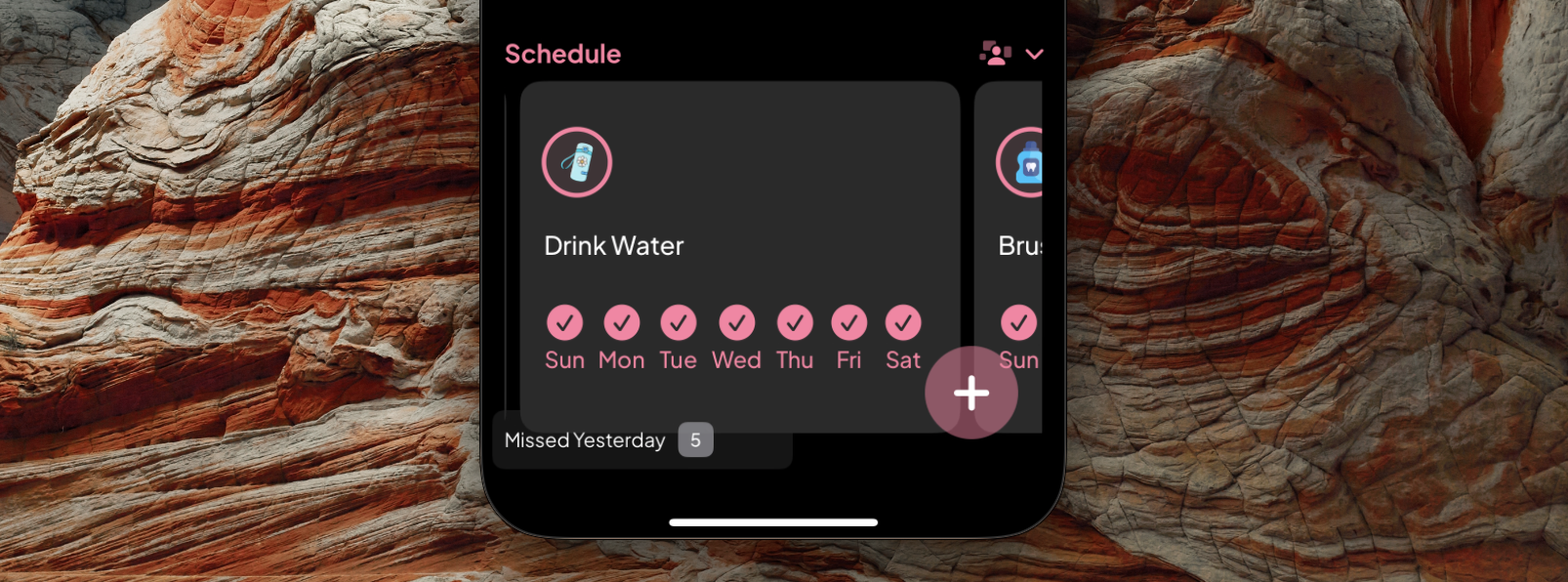
A habit is a routine or behavior that is repeated regularly.
By definition, a habit is an activity performed repeatedly until it becomes automatic. Most habits fall into the category of daily activities that form part of a person's routine.
For habits to become permanent and automatic, they must follow a predictable daily cycle:
Cue – A trigger that initiates the habit.
Routine – The action or behavior (i.e., performing the habit).
Reward – A positive outcome that reinforces the habit.
How Does Life Planner Help Users Achieve These Steps?
Cue (Reminders & Notifications)
Life Planner supports unlimited habit reminders, allowing users to schedule activities beyond the predefined options (Morning, Afternoon, Evening, and Anytime). These reminders serve as cues that prompt users to initiate their habits.
Routine (Mark Your Habit Progress Anywhere, Anytime)
Life Planner offers multiple ways to track habit progress. Users can mark habits as completed with a single tap in the habit list, which automatically records the date and time. This data contributes to habit progress reports, such as the habit progress calendar.
Reward (Reports & Streaks)
Life Planner provides habit progress reports through the habit progress calendar and habit streaks, allowing users to measure consistency across days, weeks, months, or even years. These reports focus on tracking streaks rather than rigidly scheduled habits.
Habit Streak
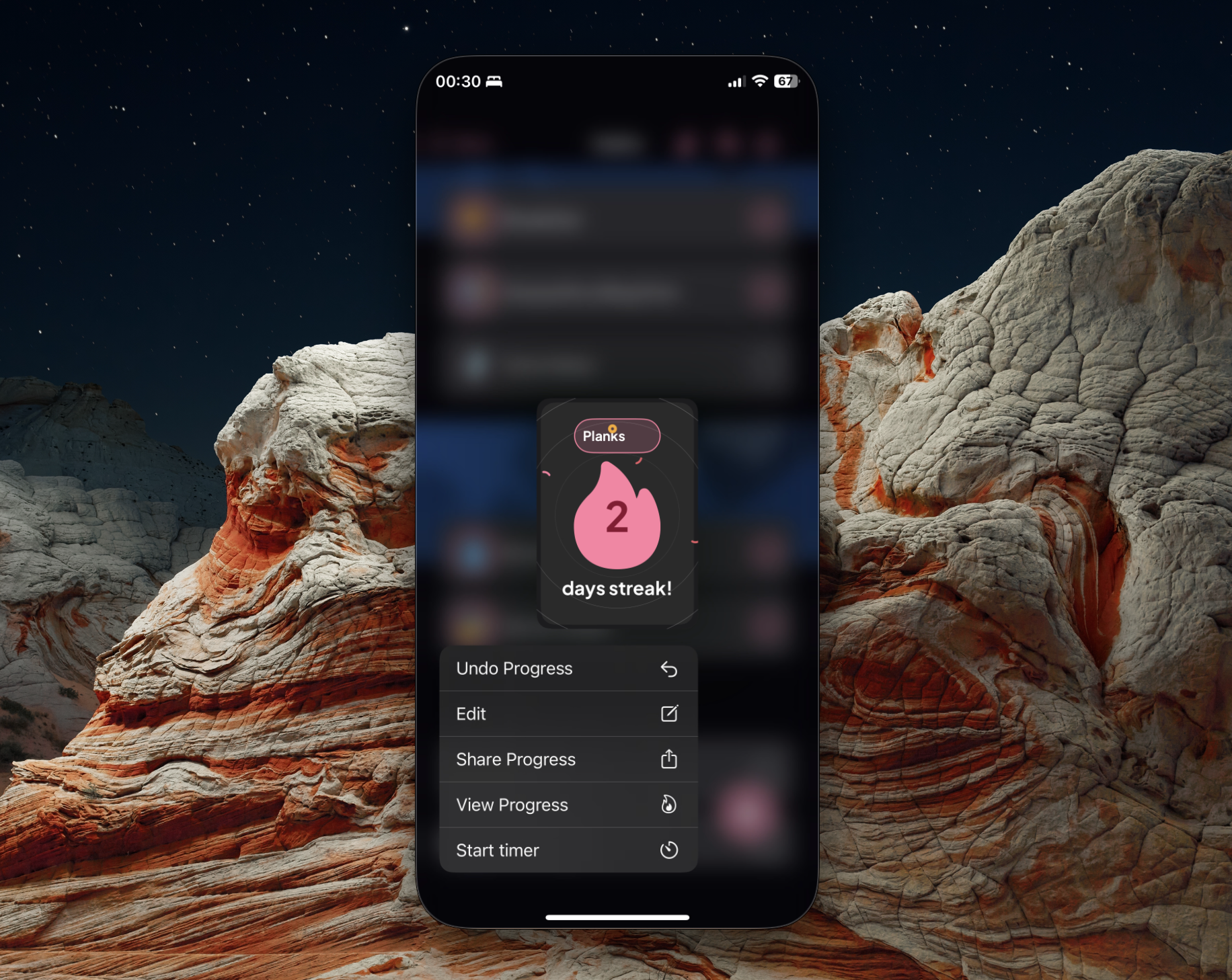
Habit Streak + Progress Calendar
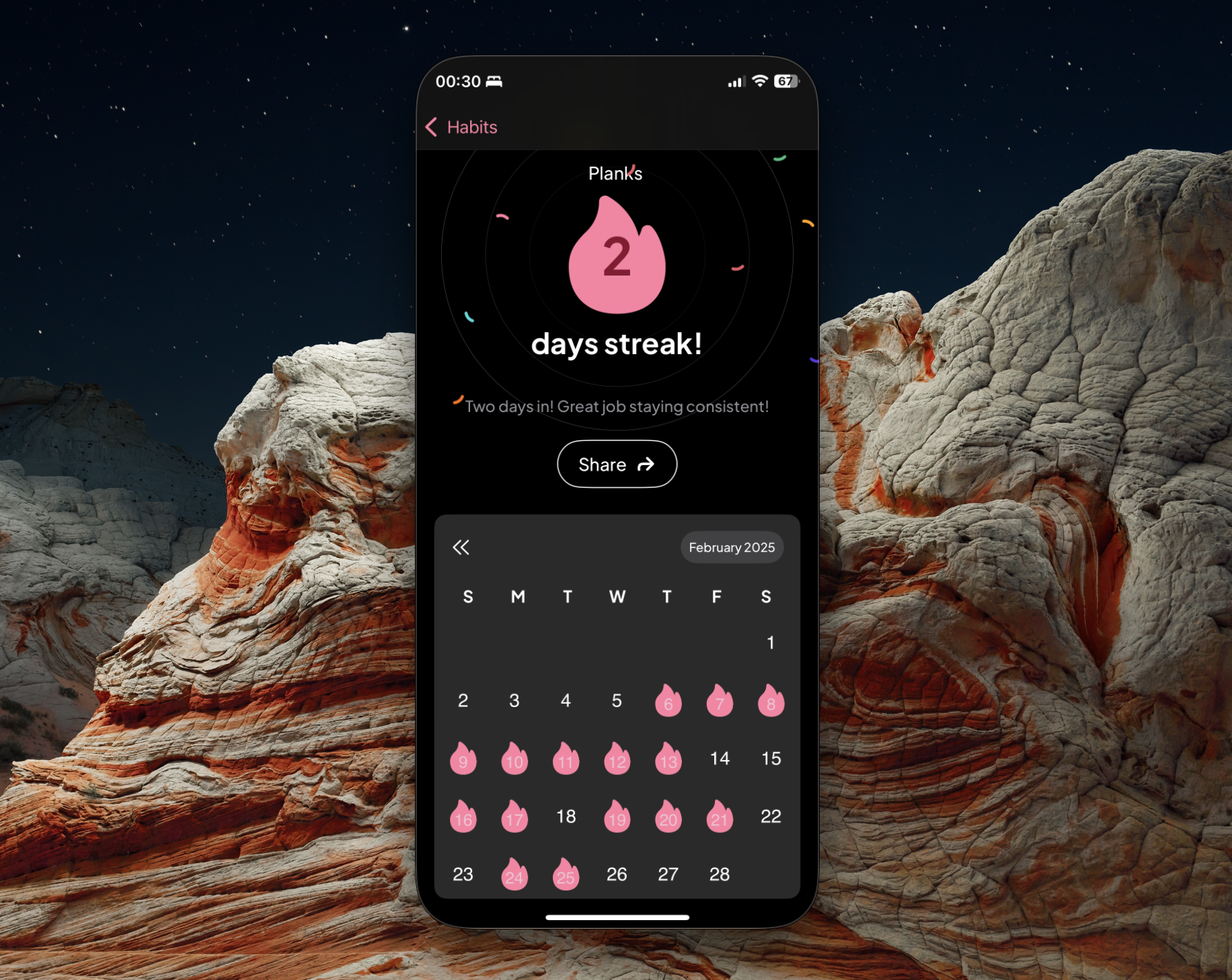
This update emphasizes consistency over scheduling by spotlighting habit streaks. Previously, users primarily determined habits based on fixed schedules. With 2.1.4, the focus shifts to developing habits through streak-based reinforcement, making habit-building more natural and effective.
3. New and Improved Mood Calendar
The mood tracking feature is receiving a much-needed boost in Life Planner iOS 2.1.4. Mood tracking reports are invaluable, and the most accessible way to review past entries is through the calendar. The calendar displays average moods recorded over previous months and even years.
In iOS 2.1.4, we’ve refined the calendar's design, introducing clearer iconography and intuitive color coding for better readability.
Mood Tracking Calendar in 2.1.3
Mood Tracking Calendar in 2.1.4
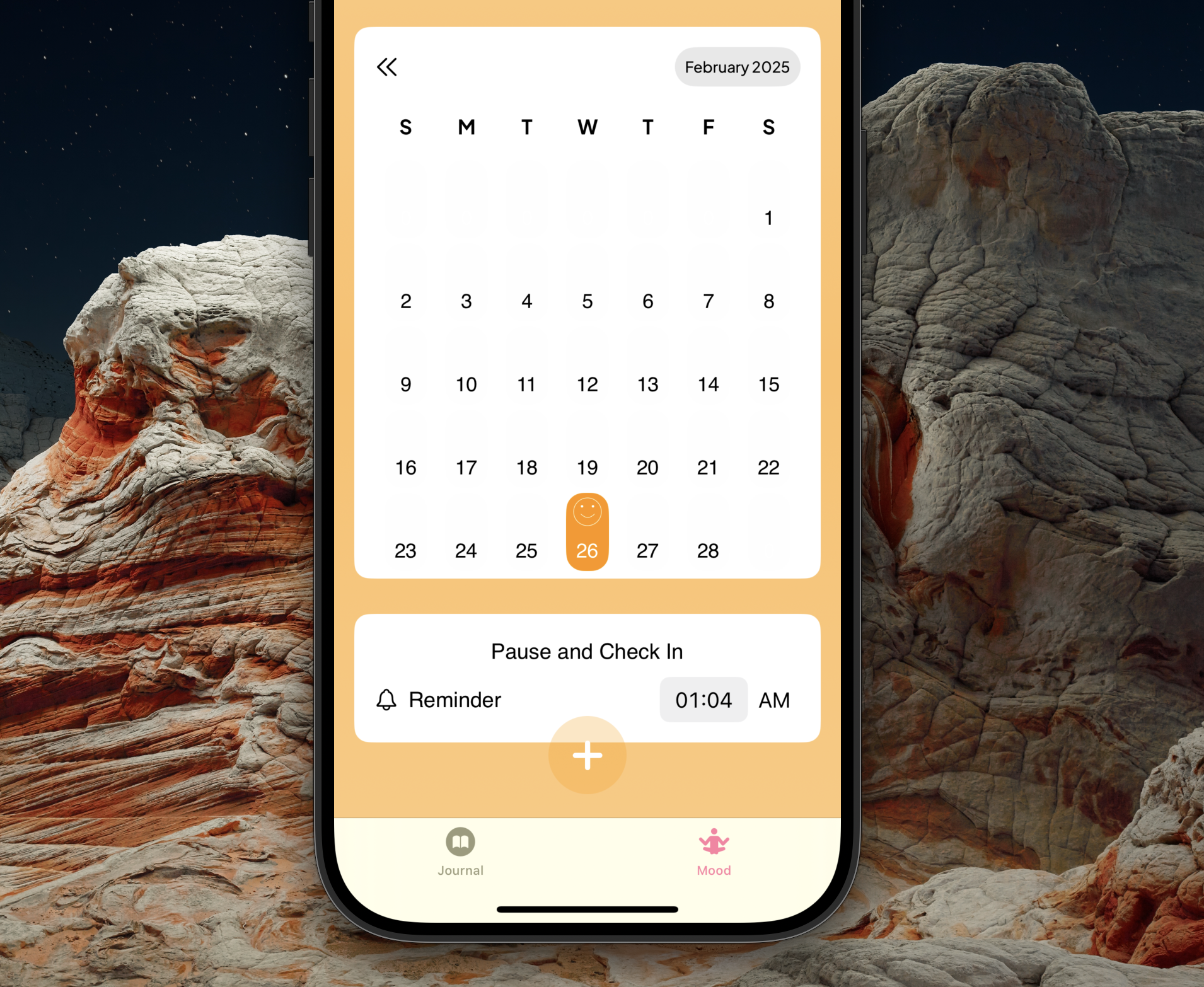
4. Custom Mood Tracking Check-in Reminders
Starting with version 2.1.4, you can check in on your mood whenever you want. This update introduces support for fully customizable, unlimited mood logging reminders. Now, users can set personalized check-in times to ensure they don’t lose track of their moods.
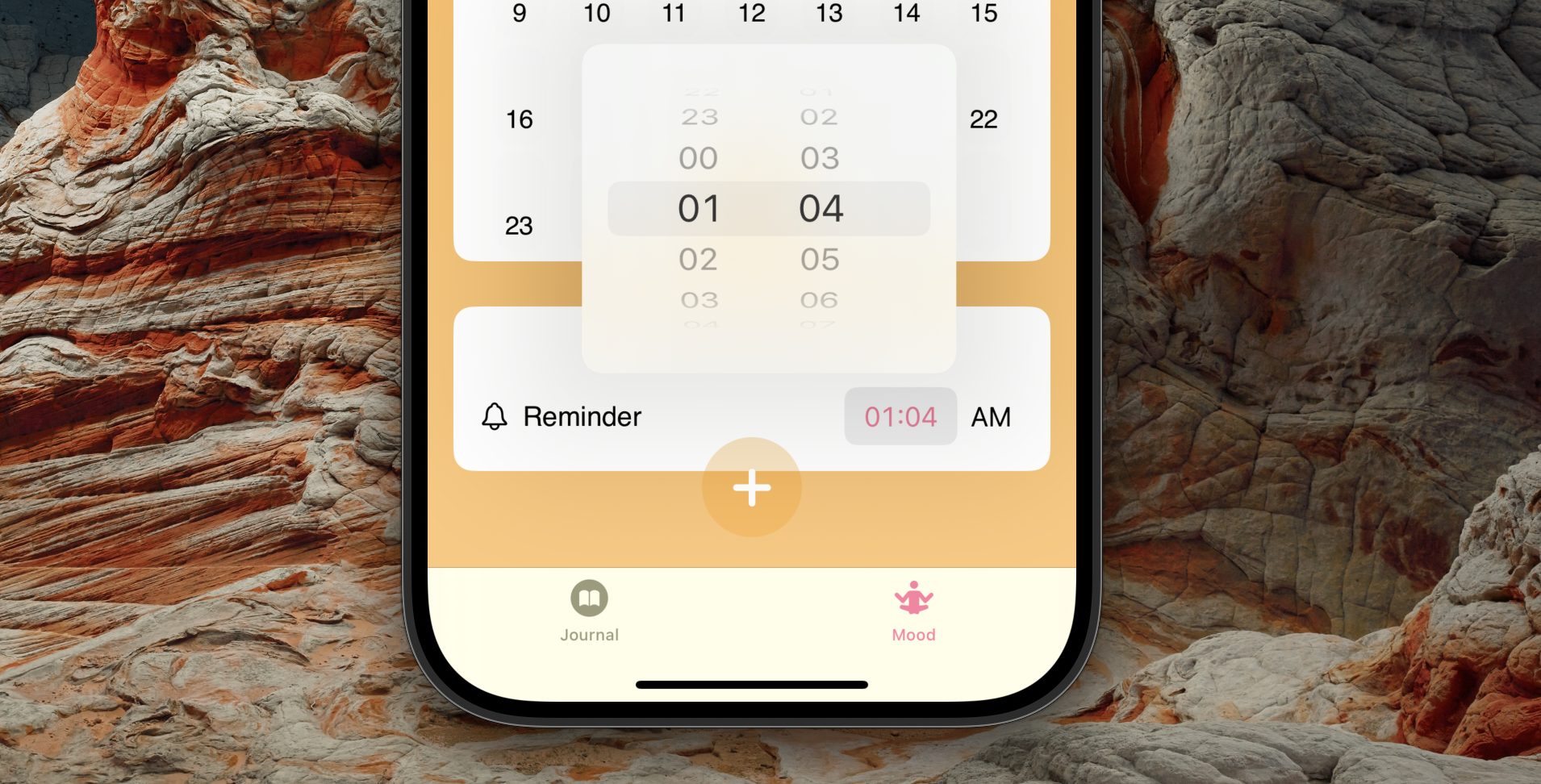
We have more exciting enhancements planned for mood tracking, which will start rolling out in version 2.1.5.
If you still don't have Life Planner, download it on the App Store or Google Play Store
These are the features and enhancements that make Life Planner iOS 2.1.4 an exciting update. We always welcome feedback, and bug reports are highly appreciated. Let us know what you think! 🚀
- X/Twitter Sam Programiz
- Email: samuelowino@thelifeplanner.co
- Life Planner Support Email: support@thelifeplanner.co
- X/Twitter Life Planner